




















Demo store
This is a PrestaChamps demo store
This store is for presentation only: the products, prices and customers are samples, and nothing is sold or shipped. Feel free to browse it as a customer and try the back office demo to see how everything works.
Featured products
- -20%
- -20%




Best sellers




Special deals
- -20%
- -20%
 PrestaChamps · Official module demo
You are viewing the OpenAI / ChatGPT Shopping demo
OpenAI / ChatGPT Shopping
This module allows merchants to seamlessly connect their PrestaShop store with ChatGPT Marketplace by generating and uploading structured product feeds.
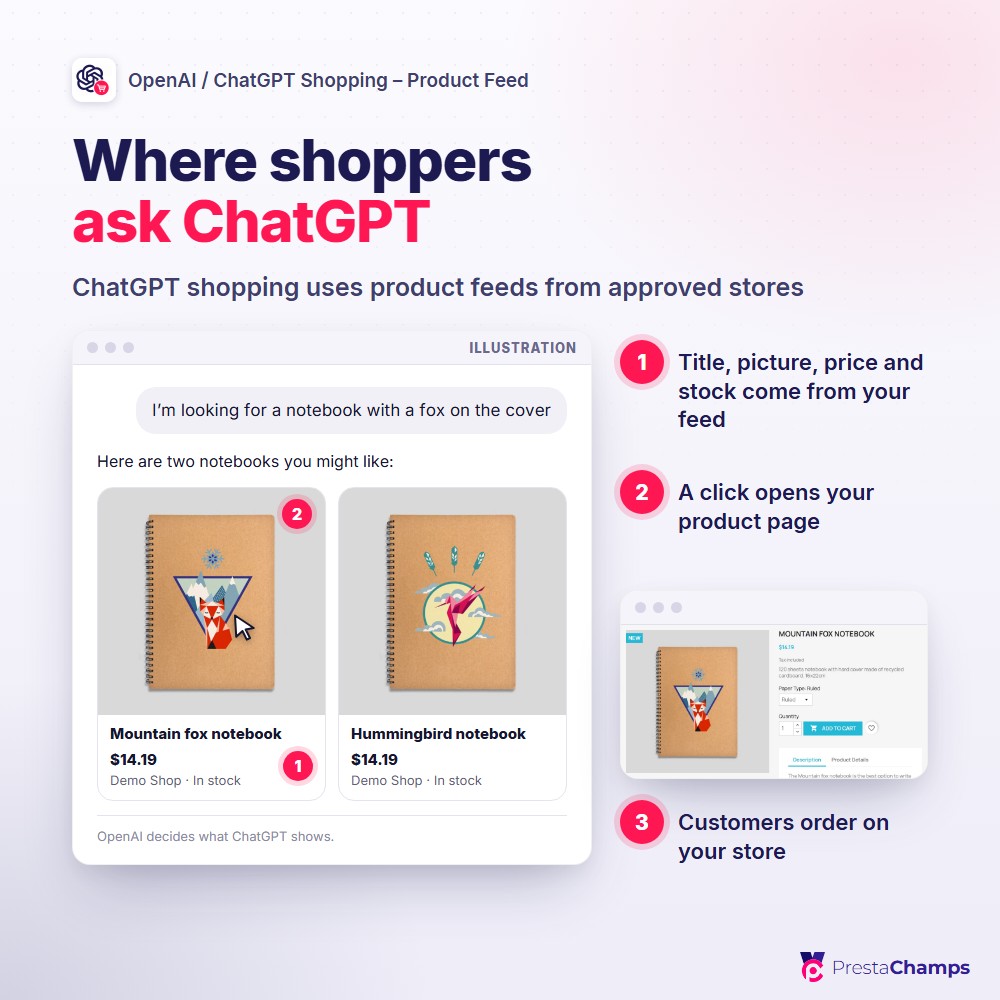
- Your products turn up in ChatGPT shopping — shoppers who ask ChatGPT find your store's items
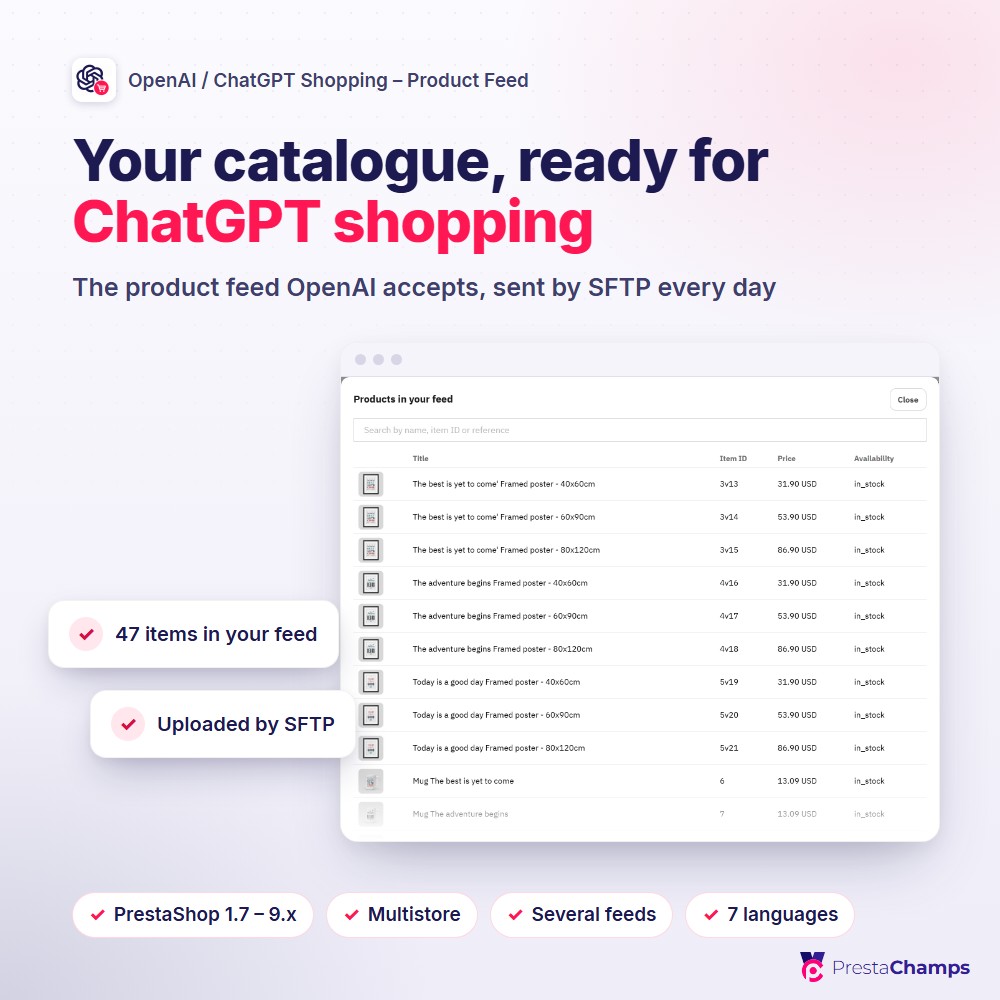
- The product feed OpenAI accepts, built from your catalogue and sent by SFTP every day
- Five checked steps set it up, and a Health tab tells you what is missing and why
Watch it in action
What it does
A feed OpenAI accepts
OpenAI's current product spec: 33 columns with the nine required values on every row. Each variant is an item of its own, with its own title, link, price and pictures.
Only the rows that qualify
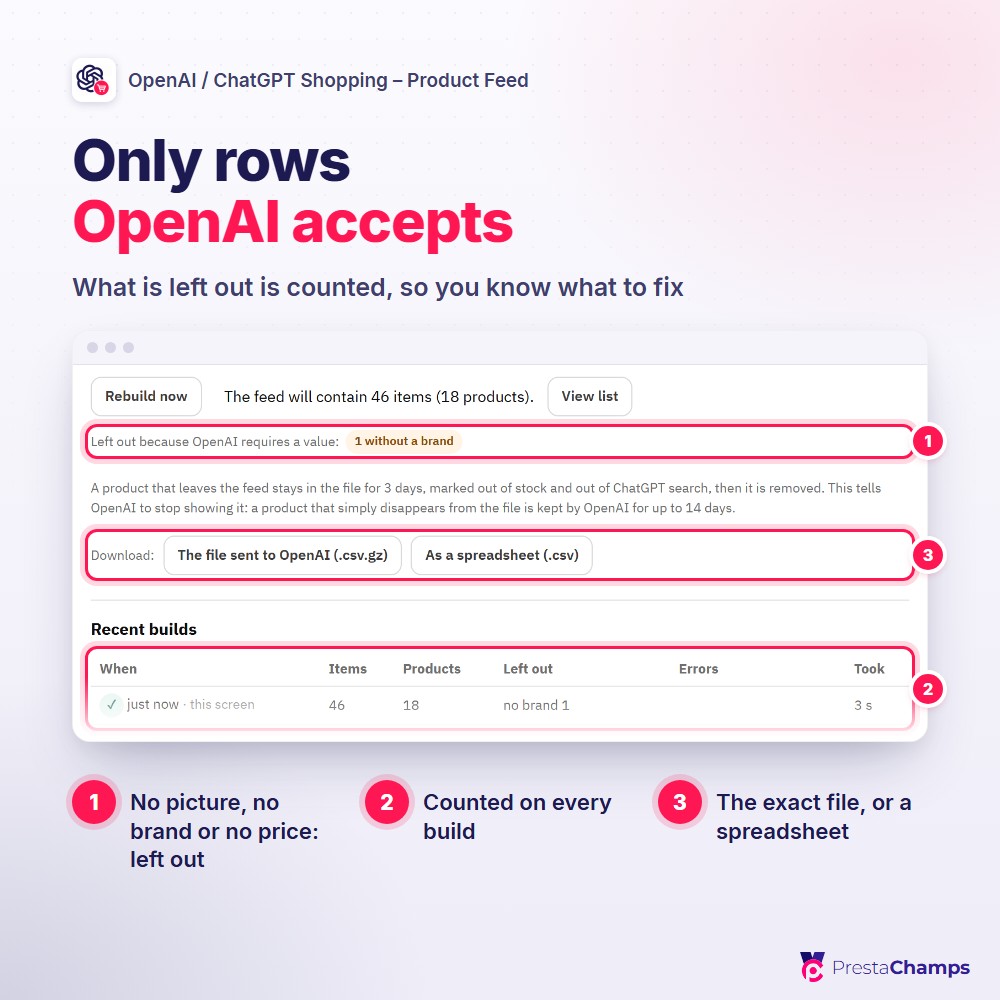
A product without a picture, a brand or a price above zero is left out — and every build counts what it left out and why, so you know exactly what to fix.
Delivered every day by SFTP
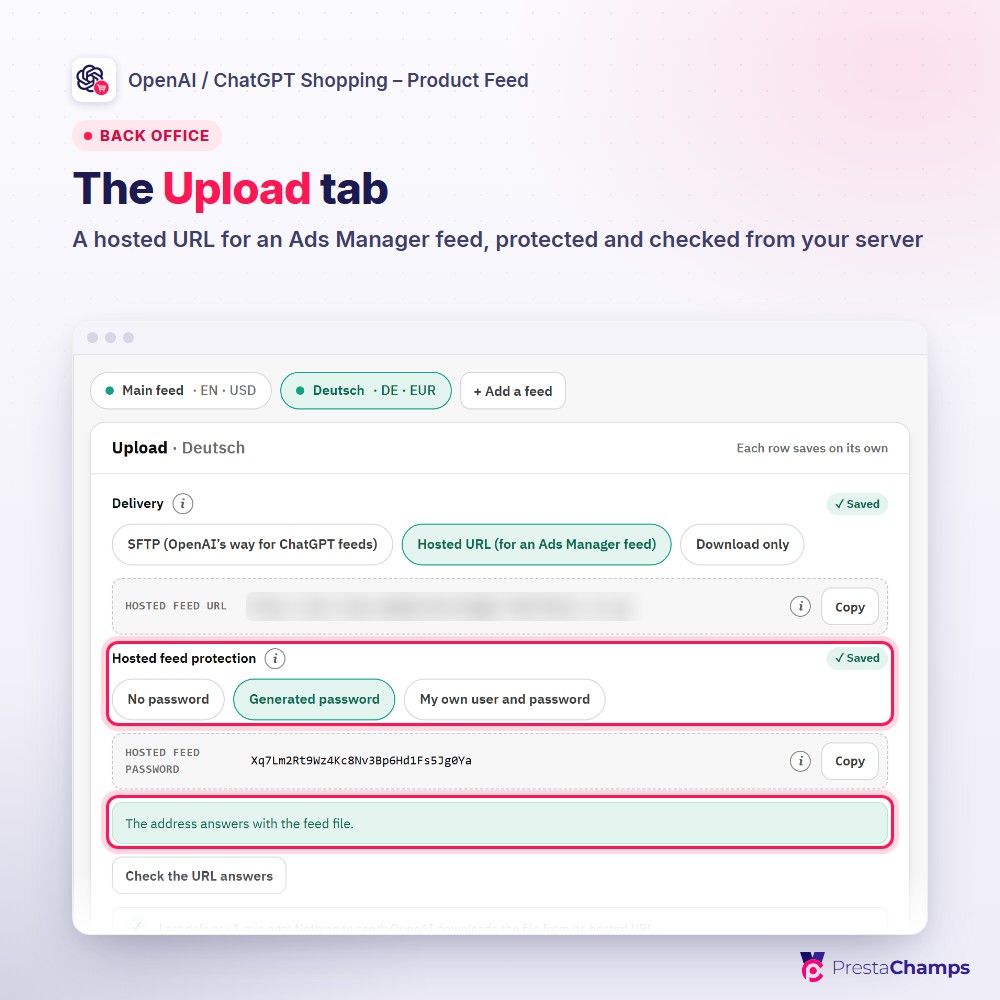
SFTP is the delivery OpenAI documents for ChatGPT feeds: paste the login, Test connection, Push now. One scheduled job builds and delivers every feed at least once a day; each feed gets its own SFTP account. A hosted URL is there for an Ads Manager feed.
Products that leave, leave ChatGPT
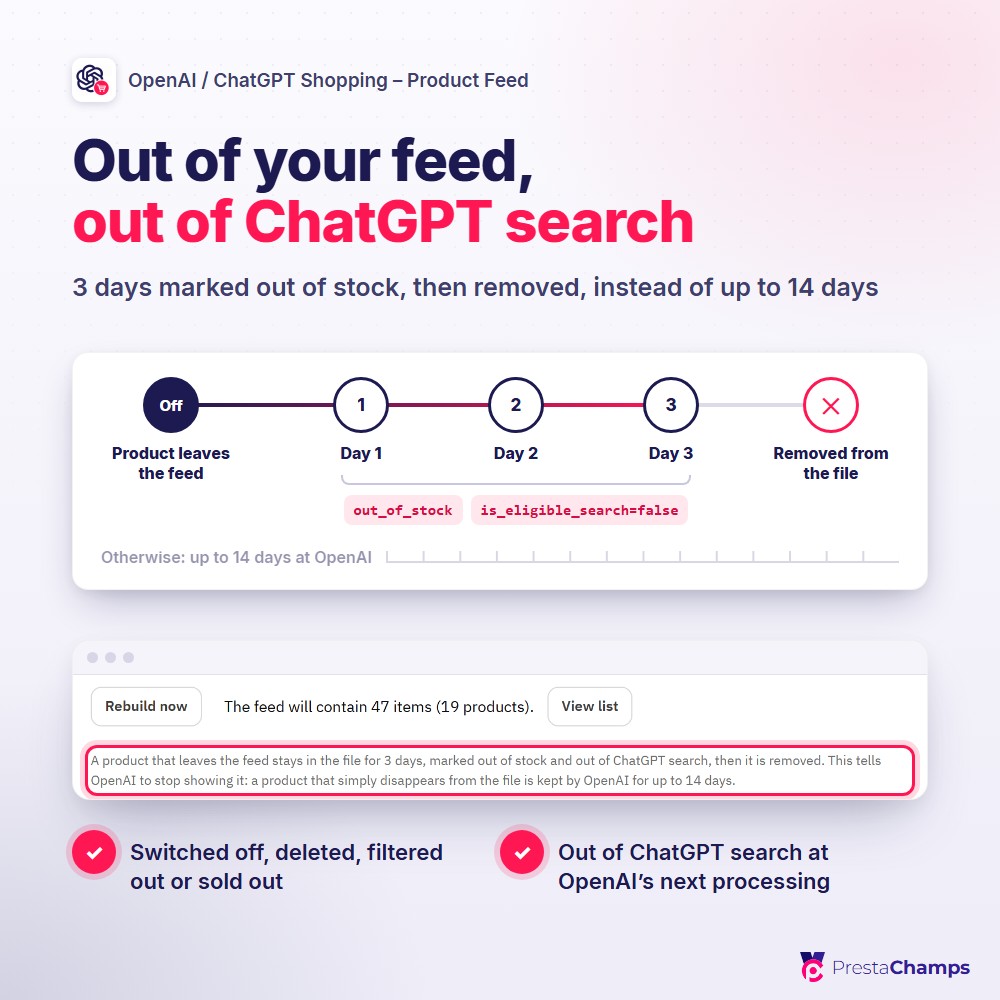
A product switched off, deleted, filtered out or sold out is sent for three more days as out of stock, then removed — so ChatGPT stops showing it, instead of keeping its old price for up to 14 days.
Choose exactly what goes in
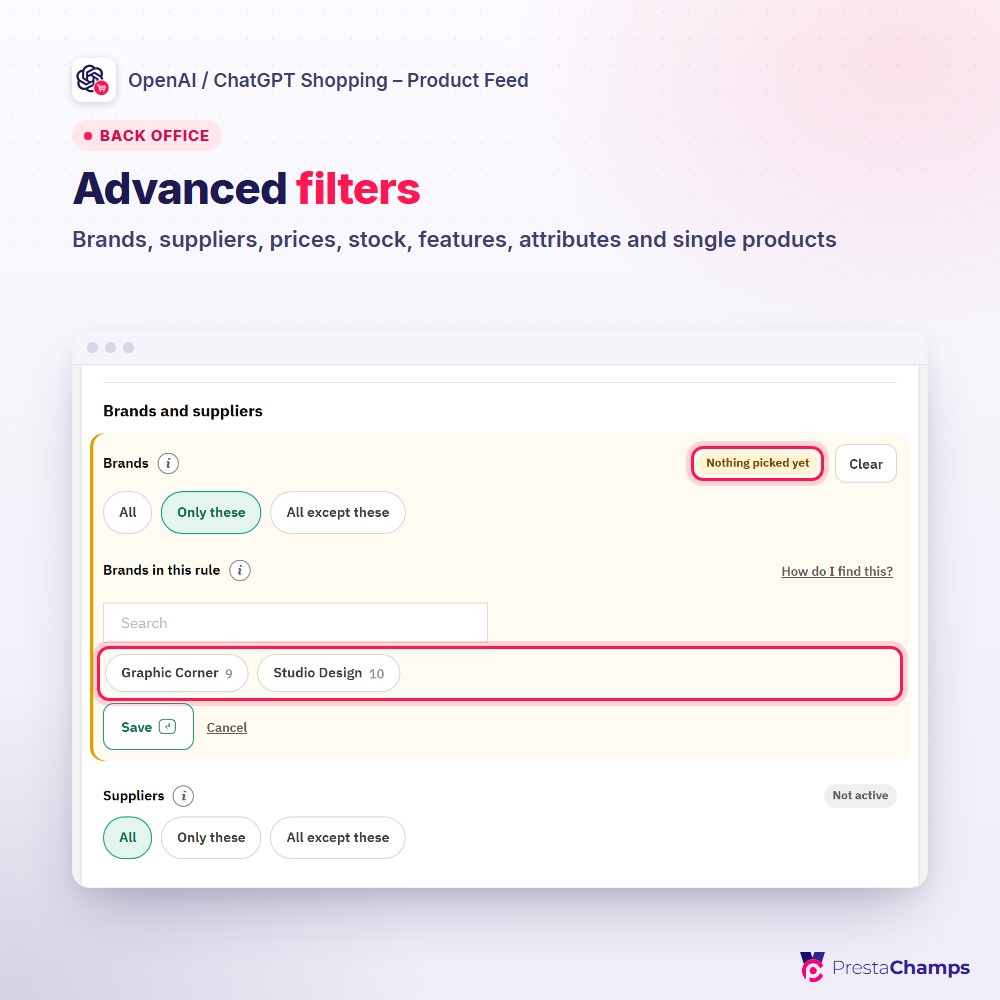
All products or chosen categories, with advanced filters by brand, supplier, price, stock, discount, condition, feature, attribute and single products; "the feed will contain N items" and View list show the result before anything is sent.
Five checked steps, then Health
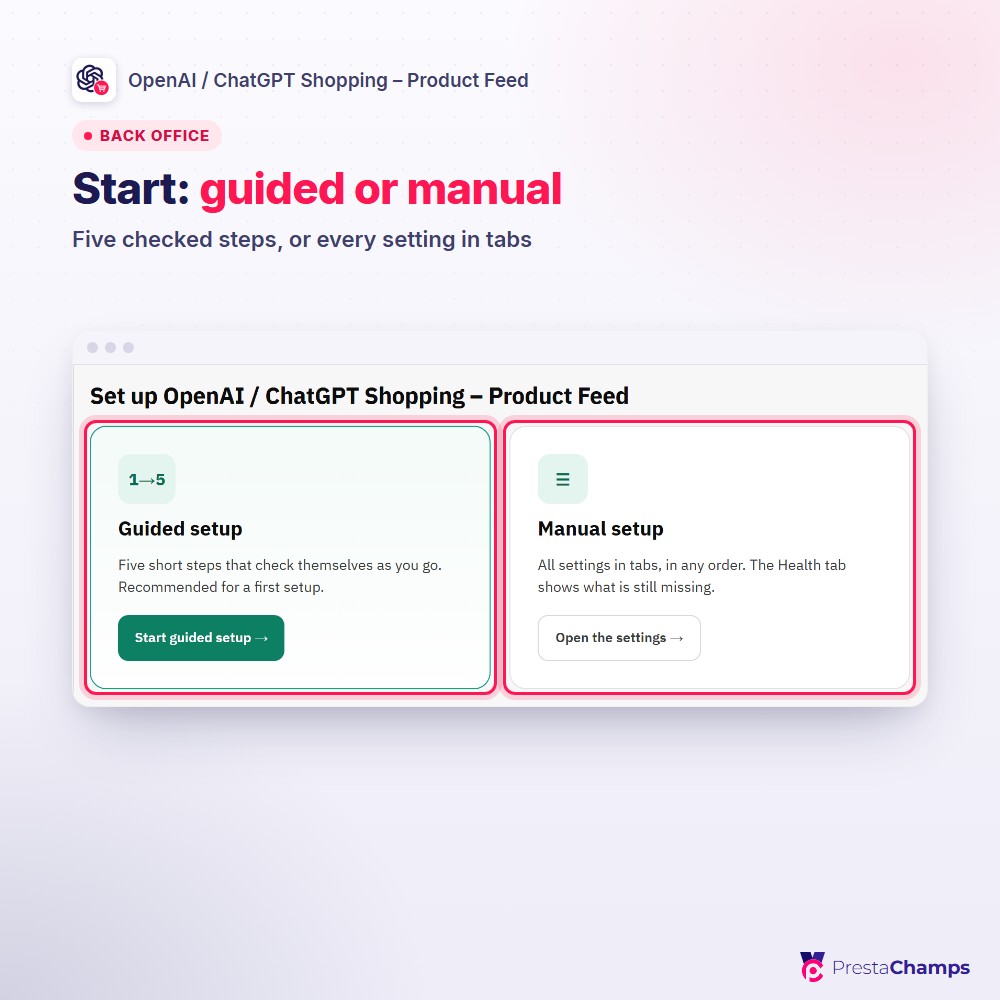
A guided setup — your store, the feed, delivery, the scheduled job and a final check — then every setting in tabs, with a Health tab that keeps every check in one place and a Fix link on anything not green.
See it in the shop
Technical sheet
- Works on
- PrestaShop 1.7 – 9.x
- PHP
- 7.1 – 8.x
- Module version
- 1.3.x
- Multistore
- Yes, a feed per shop
- Languages
- 7 back office
- Technical name
- pchchatgptfeed