

















OpenAI / ChatGPT Shopping – Product Feed
Product feed for ChatGPT shopping: build, deliver, check
Step 1: Install the module
Installing creates the module’s tables and its setup page. Nothing appears on your storefront, and nothing is sent to OpenAI.
- In your back office, go to Modules › Module Manager.
- Click Upload a module.
- Drop the module’s zip file in the window, or click select file and choose it.
- Wait for Module installed!, then click Configure.
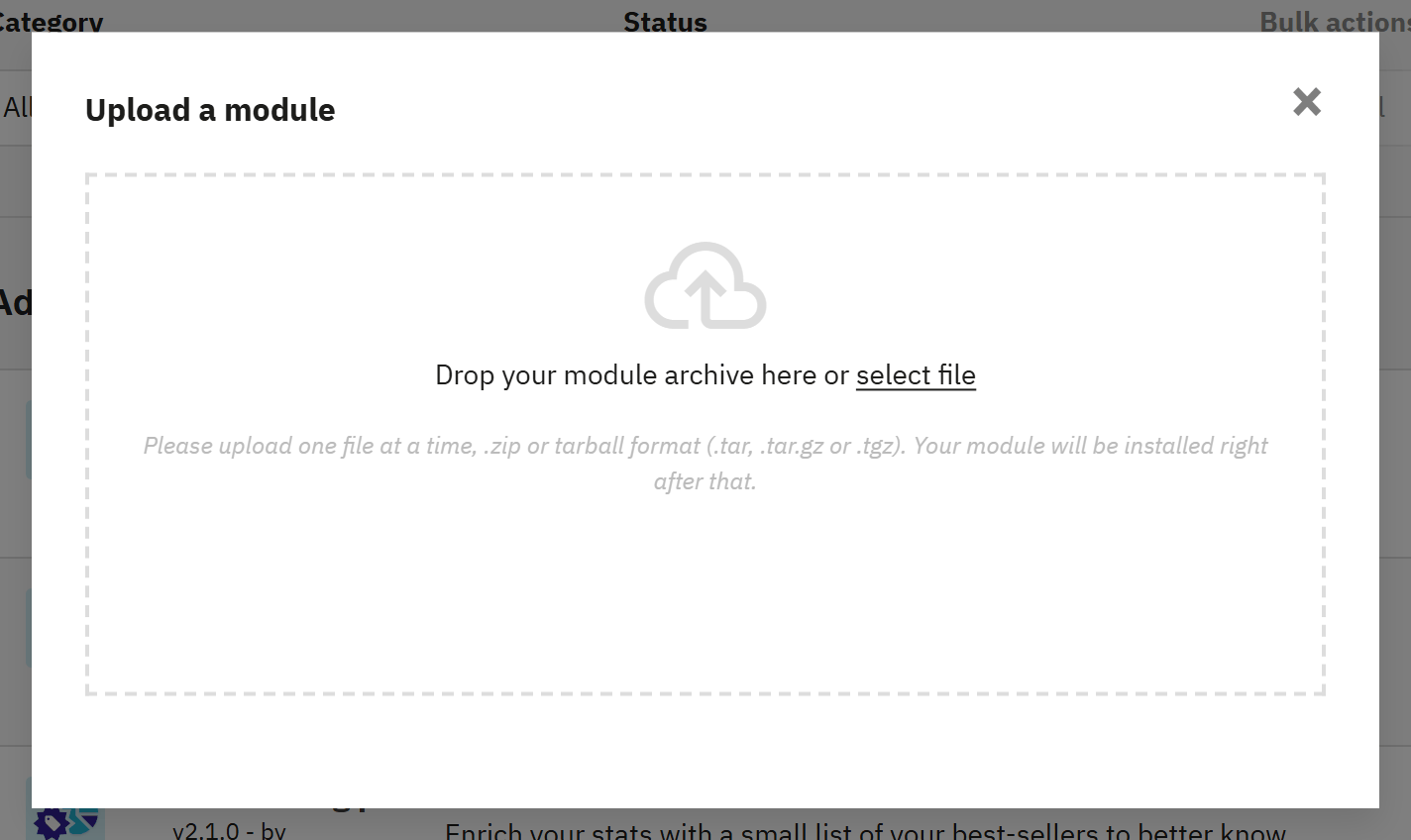
- Drop the zip file here, or click select file.
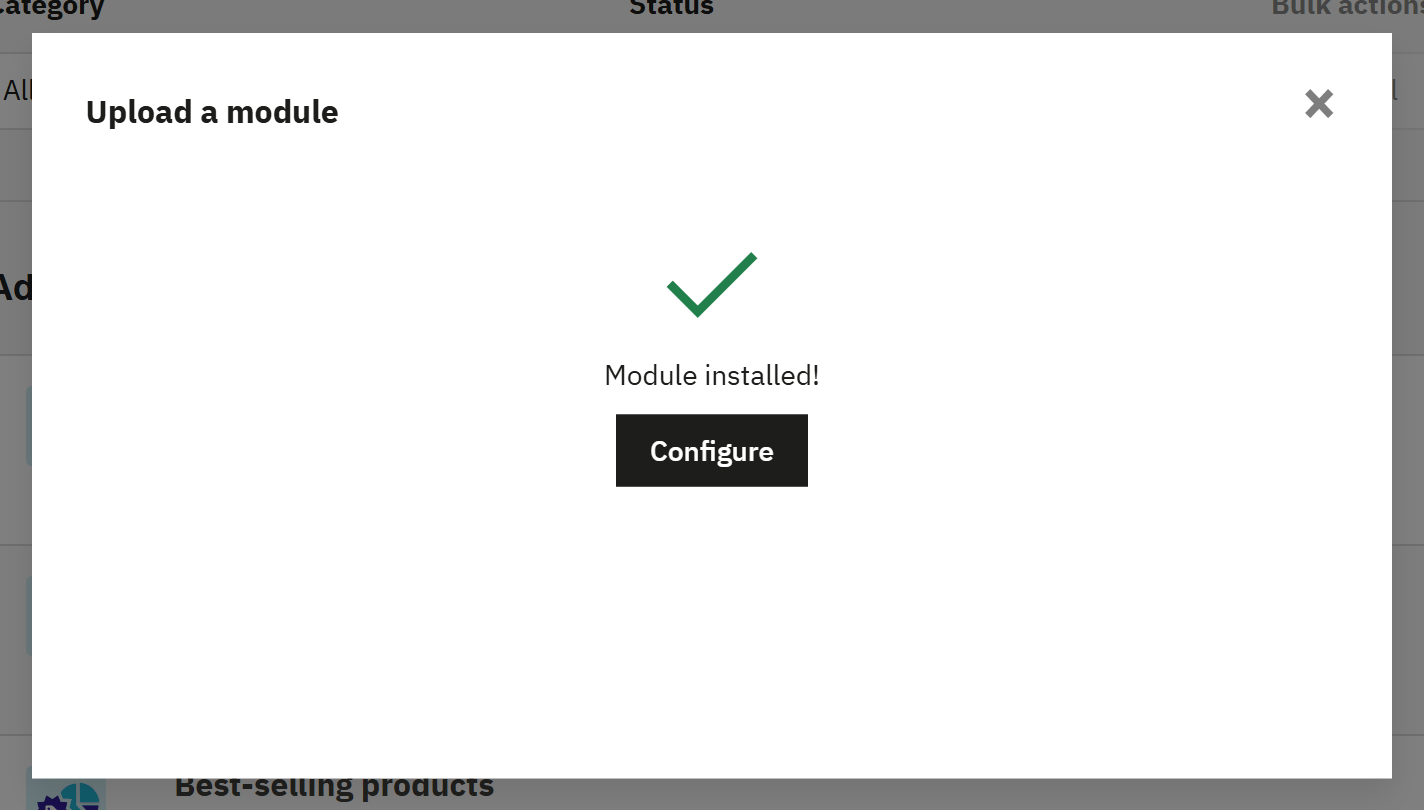
- Configure opens the module’s setup.
To come back later, find the module in Module Manager and click Configure.